Tanzania Visa: eVisa vs Visa on Arrival (Which Is Better?)

Table of Contents

Tanzania Visa: eVisa vs. On-Arrival Guide | Kili Quests

Planning a trip to Tanzania? Whether you’re climbing Mount Kilimanjaro, exploring Serengeti National Park, or relaxing on Zanzibar’s beaches, securing the right visa is one of the first — and most important — steps.
 
At Kili Quests, we’ve helped hundreds of trekkers and safari-goers through the visa process. In this guide, we break down the two main visa types available to travelers:
  •  Tanzania e-Visa (electronic application)
  • On-Arrival Visa (apply at the airport)
Let’s explore the pros, steps, and important details for each.
 
Trekking Rules Tourists Must Know – Be aware of Kilimanjaro and safari regulations before applying for your visa.

What Is a Tanzania Visa?

A Tanzania visa grants foreign travelers entry for tourism, business, or transit purposes. This applies to:
  • Kilimanjaro trekkers
  • Safari travelers
  • Visitors to Zanzibar or other national parks
Most nationalities need a visa — and there are two ways to get one.
 
Beginner’s Guide to Climbing Kilimanjaro – First-timer? Make sure your travel documents are in order before your trek.

Option 1: Tanzania e-Visa (Electronic Visa)

The eVisa is a modern, convenient way to get your Tanzania visa before traveling — all done online, without embassy visits.
 

How to Apply for an e-Visa:

1.Visit the Official Portal:

2.Complete the Form:
  • Provide travel dates, passport info, and contact details
3.Upload Documents:
  • Passport scan
  • Passport photo
  • Proof of travel or accommodation (recommended)
4.Pay Online:
  • Fees vary by nationality; payment is made via credit/debit card
5.Wait for Approval:
  • Takes around 7–10 business days
6.Print the e-Visa:
  • Bring a printed copy to show immigration on arrival
  •  
Top Safari Adventures – Don’t forget visa timing when planning your safari circuit.

Benefits of the eVisa:

  •  No waiting in airport queues
  • Apply from home
  • Peace of mind before flying

Option 2: Tanzania Visa on Arrival

If you didn’t apply for an e-Visa, you can still get a visa upon arrival at the airport.

 Where You Can Apply

  • Julius Nyerere International Airport (Dar es Salaam)
  • Kilimanjaro International Airport (JRO)
  • Zanzibar Airport 

Required Documents

  • Valid passport (6 months minimum)
  • Return flight confirmation
  • Proof of hotel or tour booking
  • USD cash for visa fee (rates vary by country)

What to Expect

  •  Wait in immigration line
  • Fill out visa forms manually
  • Pay in person and receive your visa on-site
Trip Payments Article – Check how long it takes for your booking deposit to reflect — it may affect your visa timing.

Downsides of the On-Arrival Visa

While convenient in theory, this option has some drawbacks:

  • Long Waits: Expect queues, especially during peak travel seasons
  • Uncertainty: Requirements may vary; missing documents could delay processing
  • Stressful After Long Flights: Not ideal after hours of travel

Which Visa Should You Choose?

Here’s a quick comparison of the Tanzania eVisa vs. On-Arrival Visa:
 
 1.e-Visa
  • Apply in advance from home
  • Minimal airport wait time
  • Fast, online application process
  • Best choice for most travelers
2.On-Arrival Visa
  • No advance application — apply at the airport
  • Long lines possible upon arrival
  • Manual paperwork at immigration desk
  • Best for last-minute or emergency travel only
Our Recommendation:
Choose the eVisa to save time, reduce airport stress, and avoid any surprises during immigration.

Frequently Asked Questions

Do I need a visa to travel to Tanzania?

Yes. Most international travelers need a visa to enter Tanzania for tourism, including those visiting for safaris, beach holidays in Zanzibar, or trekking Mount Kilimanjaro. The visa can be obtained online before travel or upon arrival at certain airports.

What is the difference between a Tanzania e-Visa and a visa on arrival?

A Tanzania e-Visa is applied for online before travel and approved electronically, allowing travelers to arrive with their visa already issued. A visa on arrival is obtained at the airport after landing, where travelers must complete paperwork and pay the visa fee at immigration.

How long does it take to get a Tanzania e-Visa?

A Tanzania e-Visa usually takes about 7–10 business days to be processed after submitting the application and payment through the official immigration portal.

Where can travelers get a visa on arrival in Tanzania?

Travelers can apply for a visa on arrival at major international entry points such as Kilimanjaro International Airport, Julius Nyerere International Airport, and Abeid Amani Karume International Airport.

What documents are required for a Tanzania tourist visa?

Travelers typically need a passport valid for at least six months, a passport photo, travel details such as flight information, and sometimes proof of accommodation or a tour booking.

Which visa option is better for visiting Tanzania?

For most travelers, the Tanzania e-Visa is the better option because it allows you to complete the process before traveling and helps avoid long immigration lines at the airport.

Ready for Your Tanzania Adventure?

Whether you’re trekking with us on Mount Kilimanjaro or planning a multi-day safari, getting your visa in order early is key to starting your trip right.
At Kili Quests, we’re here to help — from booking your tour to guiding you through the visa application process.

 Contact Kili Quests Today

  • Need help applying for your visa?
  • Have questions about the required documents?
  • Want to book your Tanzania adventure?

Related Articles

Internet on Mount Kilimanjaro: WiFi, SIM Cards & Coverage

Table of Contents

Internet Access on Kilimanjaro: What to Know | Kili Quests

Wondering if you can stay connected during your Mount Kilimanjaro trek?
Whether it’s messaging loved ones, posting photos, or accessing offline maps, internet access can be useful on the mountain. But Kilimanjaro is remote — so knowing where and how you can connect is essential.
This guide breaks down everything you need to know about Wi-Fi, mobile coverage, and how Kili Quests helps you stay connected while climbing Africa’s tallest peak.
 
Charging Devices on Kilimanjaro – Power options on the mountain — essential if you plan to stay connected.
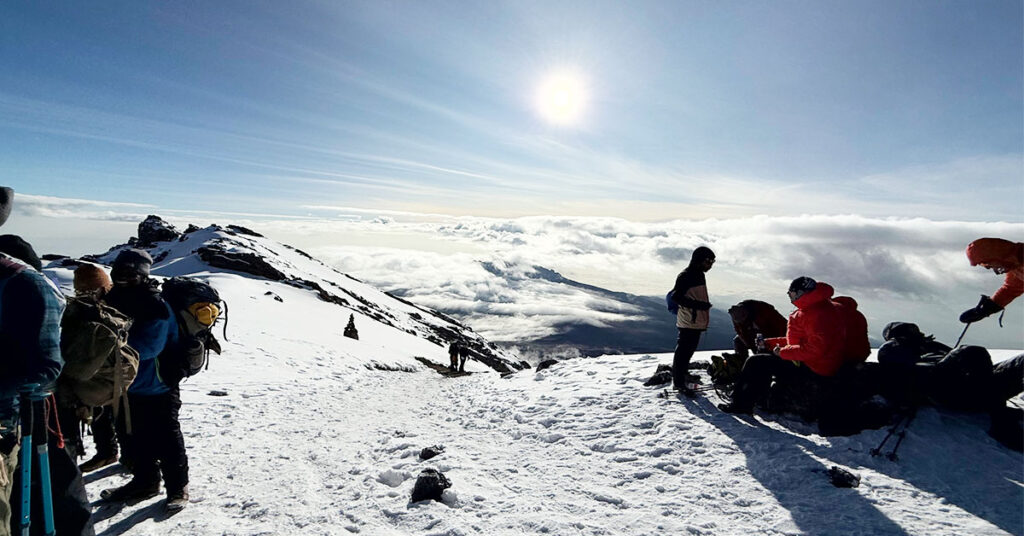
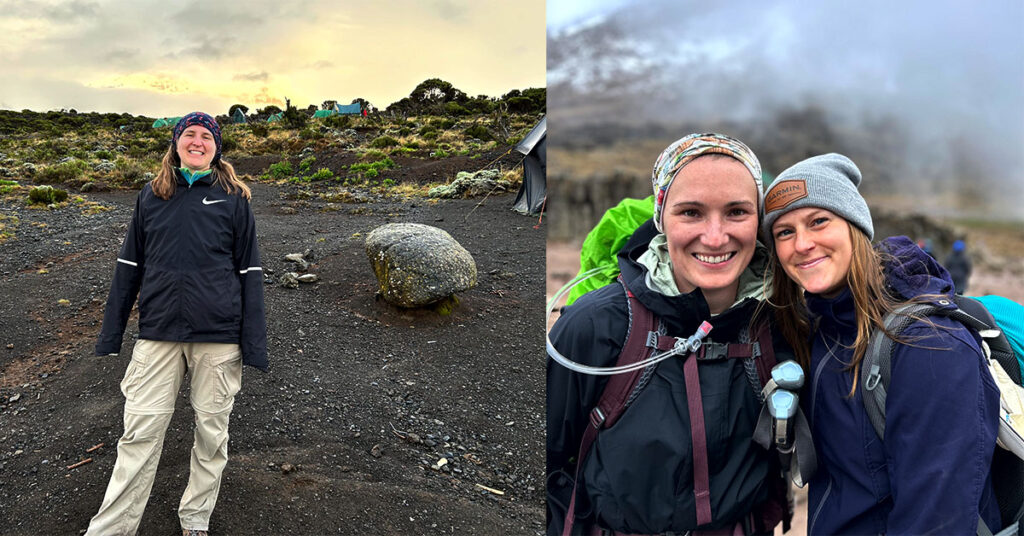
Celebrating the climb at Stella Point. One last push to Uhuru!

Is There Internet on Mount Kilimanjaro?

Kilimanjaro has no consistent or reliable internet — especially at high altitudes.
However, there are options at:
  • Lower altitudes (e.g. Moshi, Arusha)
  • Certain campsites with mobile network zones
  • Selected locations where Kili Quests provides hotspot access
Beginner’s Guide – New to Kilimanjaro? See what tech limitations to expect during your trek.

Internet Access Before the Climb

 Before your trek, you’ll have strong internet access in the towns at the base of the mountain:
Moshi & Arusha
  • Mobile data: Local SIM cards (Vodacom, Airtel, Tigo) offer good 4G/5G coverage
  • Wi-Fi: Most hotels, restaurants, and cafes have free or paid Wi-Fi

Buy a Local SIM Card

We recommend purchasing a local SIM card before your trek  Or e-Sim option:

  • Provides mobile data coverage on the mountain’s lower slopes
  • Affordable and easy to find in Moshi or Arusha

Internet Access at Camps (Higher Altitudes)

As you ascend, mobile network coverage becomes limited. But it’s not gone entirely.

 Where Can You Connect?
  • Popular routes like Machame, Lemosho, and Marangu often have camps with designated signal spots
  • Signal strength varies with altitude and location
  • Wi-Fi is not guaranteed, but limited mobile data is sometimes possible

 Kili Quests Guide Assistance

Our guides will:
  • Show you exact camp spots where mobile signals are strongest
  • Advise on network availability at each altitude
  • Provide Hotspot access when available

Climb Package – Find out if Wi-Fi or network access is included in your package.

Tips to Stay Connected on Kilimanjaro

Here’s how to maximize your connectivity:
 1. Purchase a SIM Card Before the Trek
  • Use Vodacom, Airtel, or Tigo
  • Enable mobile data for lower camps
2. Download Essentials in Advance
  • Maps (use Maps.me or Google offline maps)
  • Music, books, or documents
  • Offline backup of itinerary and contacts

Packing List 2025 – See which essential items you can bring or rent locally in Moshi or Arusha.

Disconnect to Reconnect

While it’s helpful to stay connected, don’t underestimate the value of switching off.
Embrace the Journey
  • Focus on your climb and the scenery
  • Share real moments with fellow trekkers
  • Reflect without digital noise

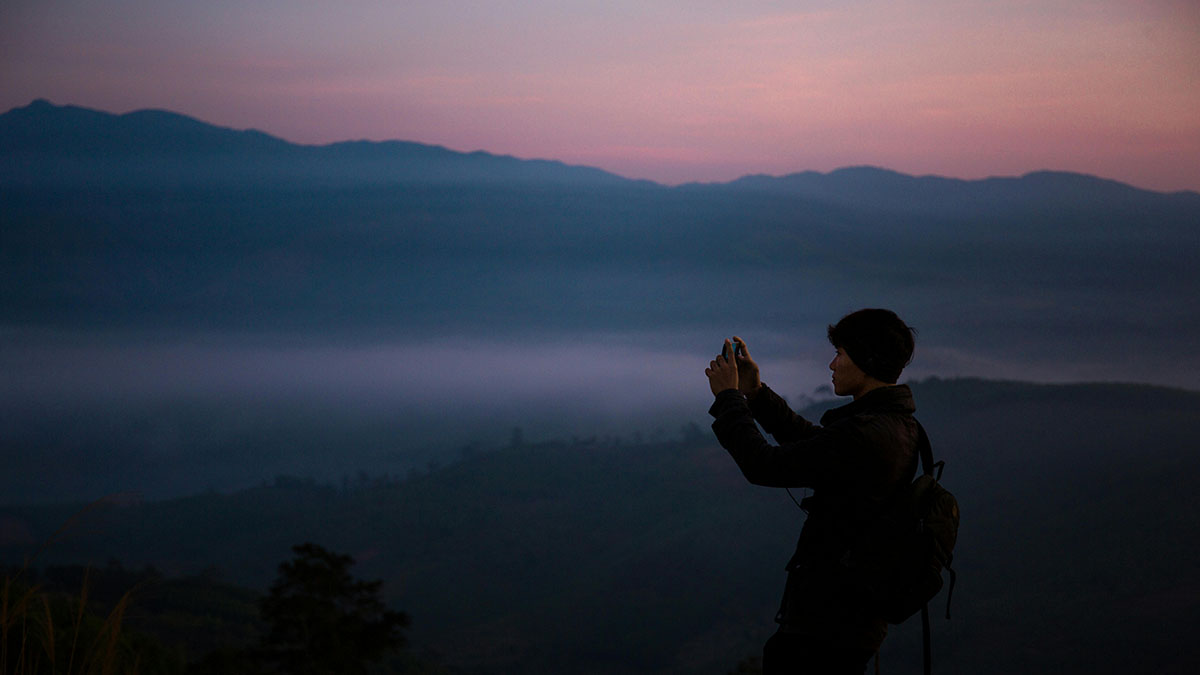
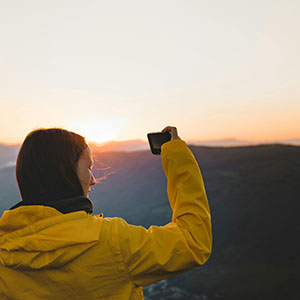
 Capture Memories — Then Post Later

  • Use offline camera modes or bring a digital camera
  • Save battery life and enjoy the trail

You’ll have plenty of time to share your summit photo afterward.

Smile, breathe, and enjoy every step of the journey.

How Kili Quests Helps You Stay Connected

 At Kili Quests, we understand that some climbers value occasional access to the outside world. That’s why we provide:
  • Hotspot service at selected camps
  • Route-specific guidance on mobile coverage
  • Local SIM recommendations before the climb
  • Tech support for staying connected responsibly

Connection with Balance

While internet access on Kilimanjaro is limited, it is possible to stay connected at lower altitudes and certain camps. But the best part of the journey? You’ll discover a deeper connection — not just to your phone, but to the experience.

Frequently Asked Questions

Is there internet access on Mount Kilimanjaro?

Internet access on Mount Kilimanjaro is limited. While there is no consistent Wi-Fi across the mountain, some lower camps and areas may have mobile network coverage, allowing climbers to access basic internet services using mobile data.

Can I use mobile data on Mount Kilimanjaro?

Yes, mobile data may work in certain areas of the mountain, especially at lower elevations. Local networks such as Vodacom, Airtel, and Tigo sometimes provide signal coverage along popular trekking routes, although the connection can be weak or intermittent at higher altitudes.

Where can I get reliable internet before climbing Kilimanjaro?

Before starting your trek, you can access strong internet connections in towns near the mountain such as Moshi and Arusha. Most hotels, cafes, and lodges in these towns offer Wi-Fi or mobile network coverage.

Should I buy a local SIM card before climbing Kilimanjaro?

Yes. Purchasing a local SIM card before the trek can help you access mobile data at lower camps and communicate when signal is available. SIM cards from Tanzanian providers are affordable and easy to find in Moshi or Arusha.

Are there Wi-Fi hotspots on Kilimanjaro?

Wi-Fi is generally not available on the mountain itself. However, some trekking companies may provide limited hotspot access at certain camps when conditions allow, though this should not be relied upon as a primary internet source.

How can I prepare to stay connected during a Kilimanjaro trek?

To stay connected, download important information such as offline maps, travel documents, and contacts before starting your climb. This allows you to access essential information even when internet service is unavailable on the mountain.

Book with Kili Quests

Book your Kilimanjaro trek with Kili Quests today and get expert advice on how to stay connected — and when it’s best to unplug.
 

Related Articles